Big Tech Purge – No More Ears…
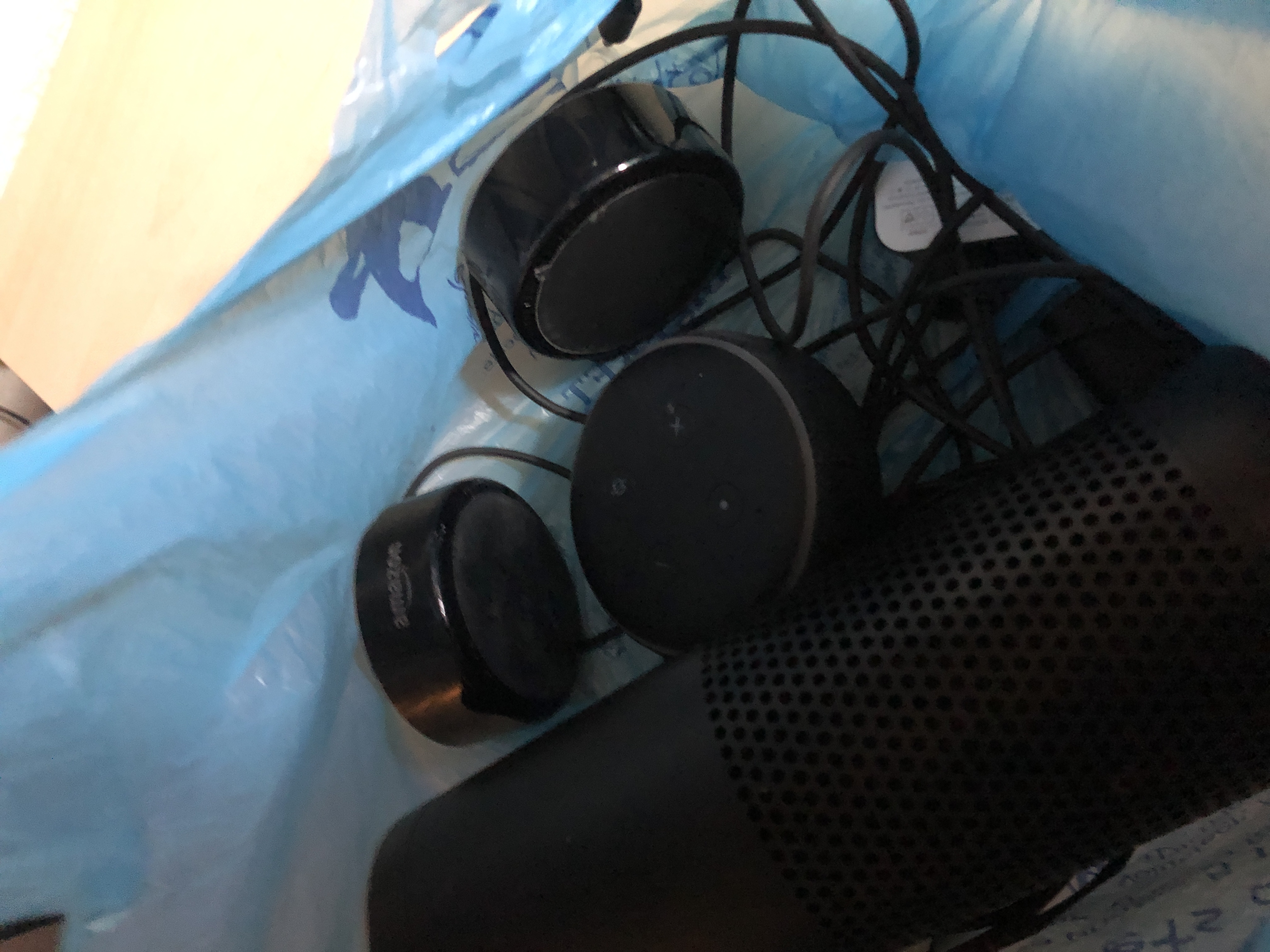
Big Tech Purge – No More Ears… Read More »
Big Tech Purge – No More Ears… Read More »
I’ve not done much on my “blog” in the past several years. With FaceBook, Twitter & Instagram it’s been too easy to just post there, but given the censorship and potential Anti-Trust lawsuits I thought it best to get back to owning my own content and start blogging again.
So things to look forward to:
All The Best!
The Migration From Big Tech Read More »
I’ve been using lots of different PLA filament, mainly Hatchbox PLA and Inland (From Microcenter).
The old Inland Filament was from eSun, but recently they changed to a new brand and it’s not held up as nice.
I definitely recommend Hatchbox PLA from Amazon.
3D Printing Filament Read More »

What does user experience look like without a mouse & keyboard or easy to enter form fields? How do people talk to AI systems to solve problems? These systems can be through devices like Alexa or virtual systems like automated chatbots. Understanding psychology and human behavior become just as valuable as business knowledge when designing these systems. Because of this we will see new software architectures come into play that deal with these variations and have multiple and guided user flows.
There are two main components of developing an apps for Alexa, intent schemas and utterances.
Here’s a sample intent for a few commands I’ve used to control my house.
{
  "intents": [
    {
      "slots": [
        {
          "name": "Command",
          "type": "LIST_OF_COMMANDS"
        },
        {
          "name": "OnOff",
          "type": "LIST_OF_ONOFFS"
        }
      ],
      "intent": "SendJarvisCommand"
    },
    {
      "intent": "AMAZON.HelpIntent"
    }
  ]
}
Intents also have slots. For example:
LIST_OF_COMMANDS --> lights | porch | yard | backyard | frontroom | hallway | garage | basement | workbench | wemo | bedroom | tv room
LIST_OF_ONOFFS --> on | off | dim
The list of utterances, or ways users can interact with this data might look like:
SendJarvisCommand turn the {Command} {OnOff}
SendJarvisCommand switch the {Command} {OnOff}
SendJarvisCommand {Command} {OnOff}
This text is then passed to a lambda function where it needs parsed and then returns a response.
So your traditional web form is converted like this.
Because utterances don’t match up to anything in existing form fields most businesses and user experiences have holes that need filled. You can also chain intents to one another creating user flows that are out of order.
So whether it’s voice or AI chat you need architectures that deal with this dynamic workflow, getting some of the data at unexpected points during a conversation, then re-prompting the user in a dynamic way to solicit input required to complete the task.
Whether it’s retail for a shopping assistant or a chatbot to help you reset your password it’s really fun time because we need to invent something new!
Alexa / Voice / AI Chat Read More »
So I’ve been trying to find a simple React example, one that uses a flux implementation that works out of the box in a browser without any compilation or node stuff. I couldn’t find one so I built one. Here it is: https://github.com/scottpreston/react-examples.
This requires, RefluxJS, ReactJS, React-Dom and a Browser. You can use node to run it if you want, but that’s not required. Enjoy! (Copy-Paste & ES5 Compatible)
    // the action, nothing special
    var myAction = Reflux.createAction();

    // the store, holds state and listens to action.
    var myStore = Reflux.createStore({
        times: 0,
        init: function () {
            this.listenTo(myAction, this.actionCallback);
        },
        actionCallback: function () {
            this.times++;
            this.trigger(this.times);
        }
    });

    // the react component, which subscribtes to the store and updates it's state via listen
    var CountBox = React.createClass({
        displayName: 'CountBox',
        getInitialState: function () {
            return {count: 0};
        },
        componentDidMount: function () {
            var self = this;
            myStore.listen(function (data) {
                self.setState({count: data});
            });
        },
        render: function () {
            return (
                // the component in plain old JS no JSX
                    React.createElement('div', {className: "countBox"},
                            "Count Value =  " + this.state.count
                    )
            );
        }
    });

    ReactDOM.render(
            React.createElement(CountBox, {count: 0}),
            document.getElementById('example')
    );

    document.querySelector("#test").addEventListener("click", function() {
        myAction(null);
    });
Simple React Example Read More »
I’ve been struggling a bit with openzwave items because its so poorly documented. I’ve finally figured out how to get results from a door sensors with the node package node-openzwave-shared.
If you follow the install script, then just add this event handler below, you can receive updates.
zwave.on('node event', function(nodeid, nodeEvt) {
 console.log(new Date(), 'node event', nodeid, nodeEvt);
});
More live examples coming soon here: https://github.com/scottpreston/node-openzwave-examples
And via npm via npm-install node-openzwave-examples
Openzwave Binary Sensors Read More »
I recently had an UPS failure. My UPS and APC 650 ES, has a battery they call for is the RBC17. Which on Amazon.Com is $39.99. However when you peal the sticket off you get Vision UB1290. This battery (which is the same battery) cost around $15.00.
I imaging this happens a lot with companies looking to make a cheap buck. Hopefully this post catches someone search on “Alternative APC Battery” or something similar.
Dead APC Back-Ups & Alternative Batteries Read More »

